Easily record your baby's movements during pregnancy, keep a pregnancy journal, and review your movement history—all in one simple and private app.
Download on Google PlayOpen the app, tap start, and count every movement with one finger. Baby Kicks Pregnancy Tracker does the timing and history for you so you can focus on your baby.
Record every movement with a single tap, track sessions with a built-in timer, see total movements per session, and add notes after each one.
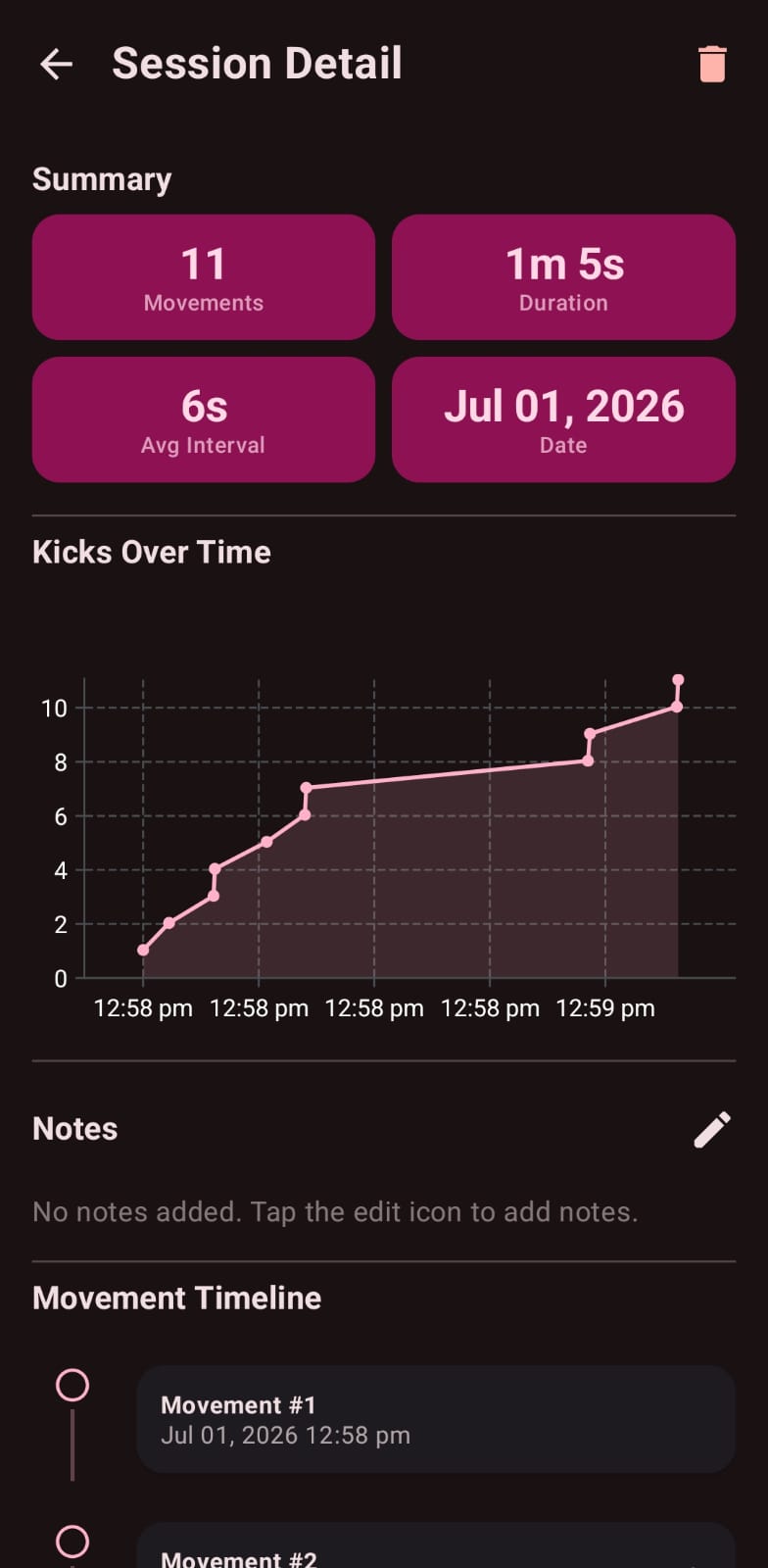
View all past sessions, search and review records, edit or delete saved sessions, and monitor movement patterns over time.
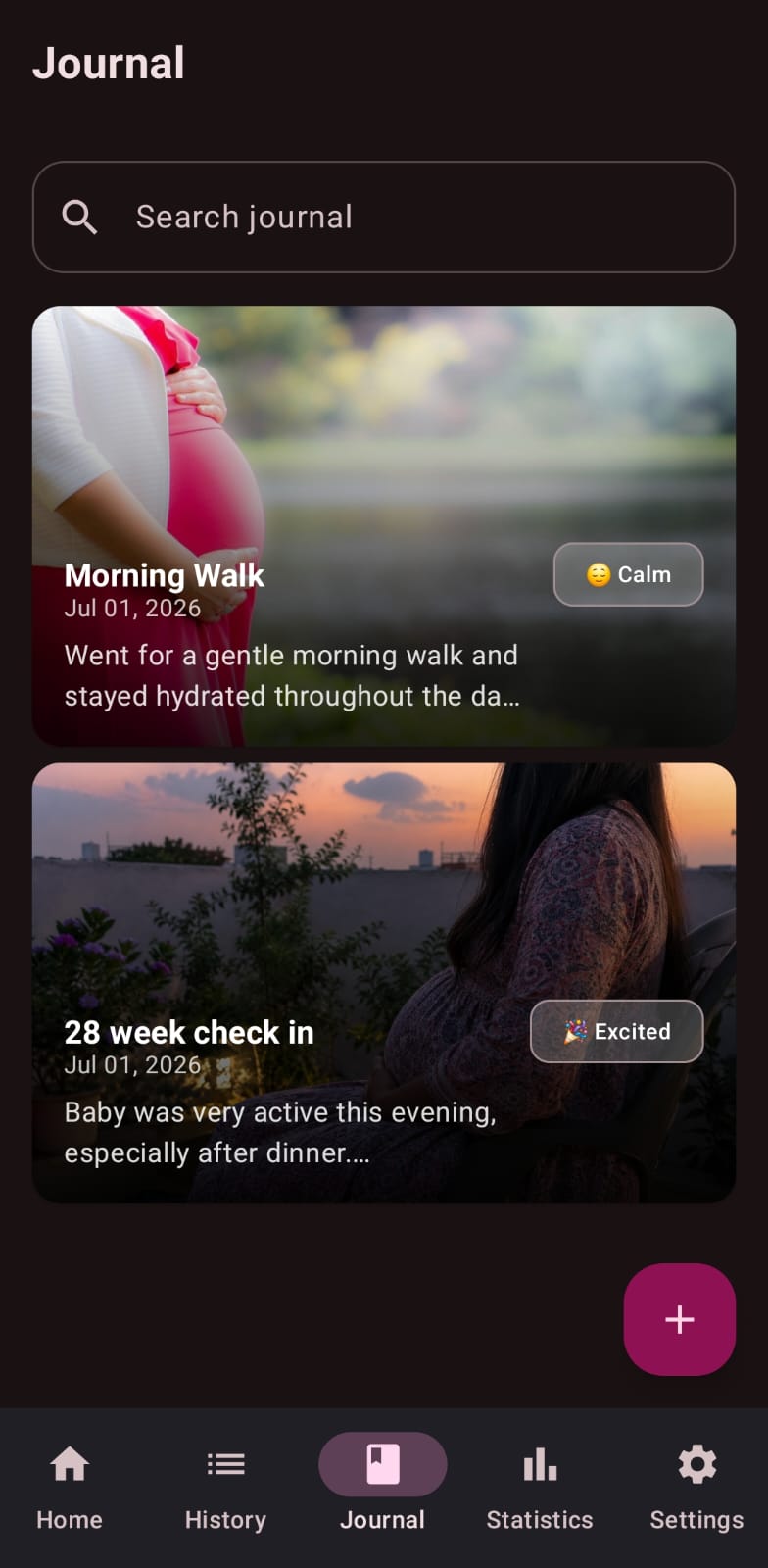
Record daily thoughts and milestones, save pregnancy notes, and organize every entry by date.
Daily movement summaries, weekly and monthly trends, average movements per session, and insights into your baby's patterns.
Gentle daily nudges (multiple with Premium) to keep a consistent tracking habit.
One-time purchase unlocks an ad-free experience, PDF reports, Google Drive backup, advanced stats, photo journal, and more.
Feeling your baby move is a reassuring sign of well-being. Regular tracking helps you learn your baby's normal pattern, so changes are easier to notice and discuss with your healthcare provider. Baby Kicks Pregnancy Tracker keeps your records organized and easily accessible—whether you're counting kicks, tracking daily activity, or preparing for your next prenatal appointment.
A quick look at the screens that make tracking your baby's kicks simple and calm.
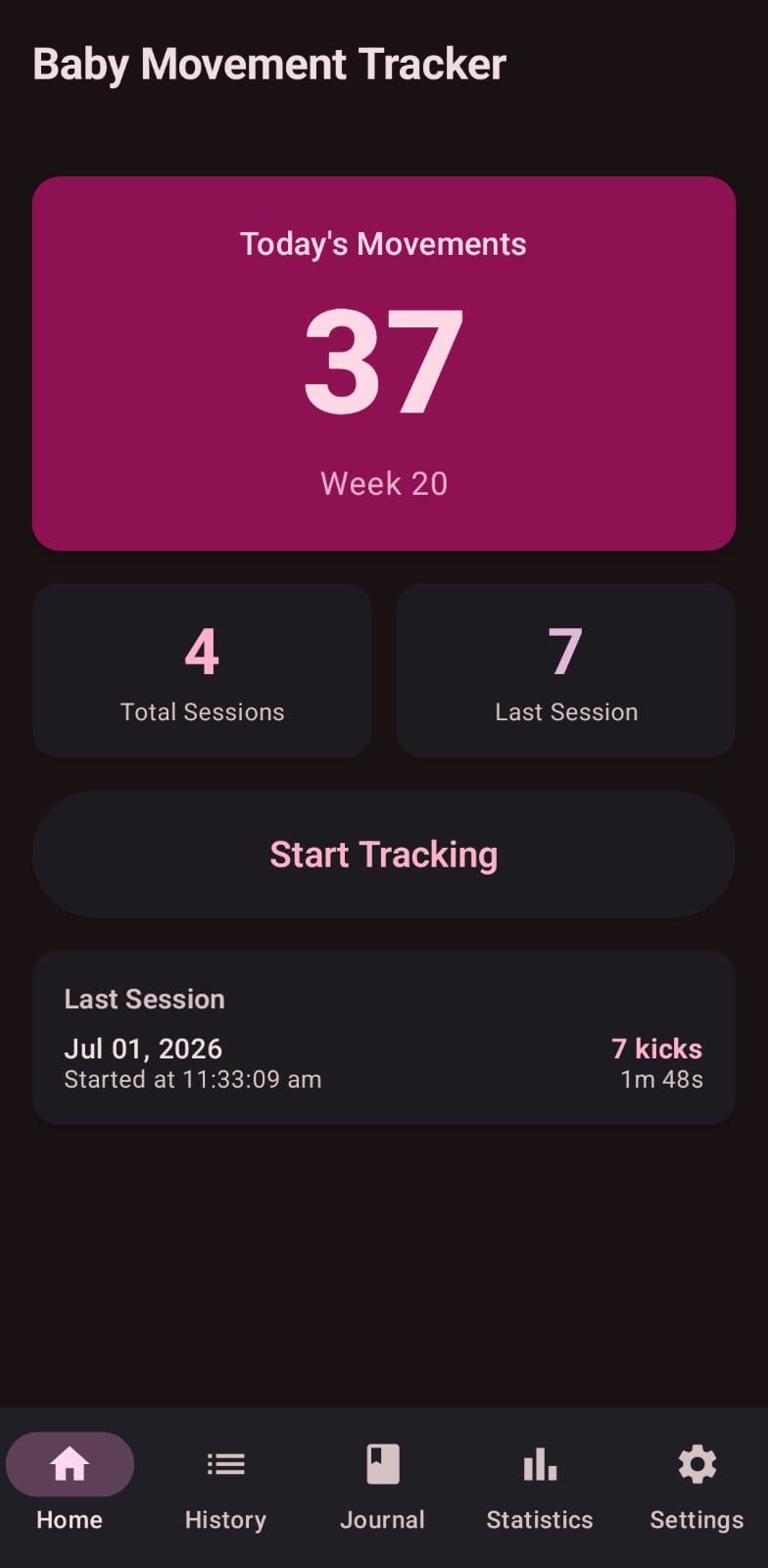
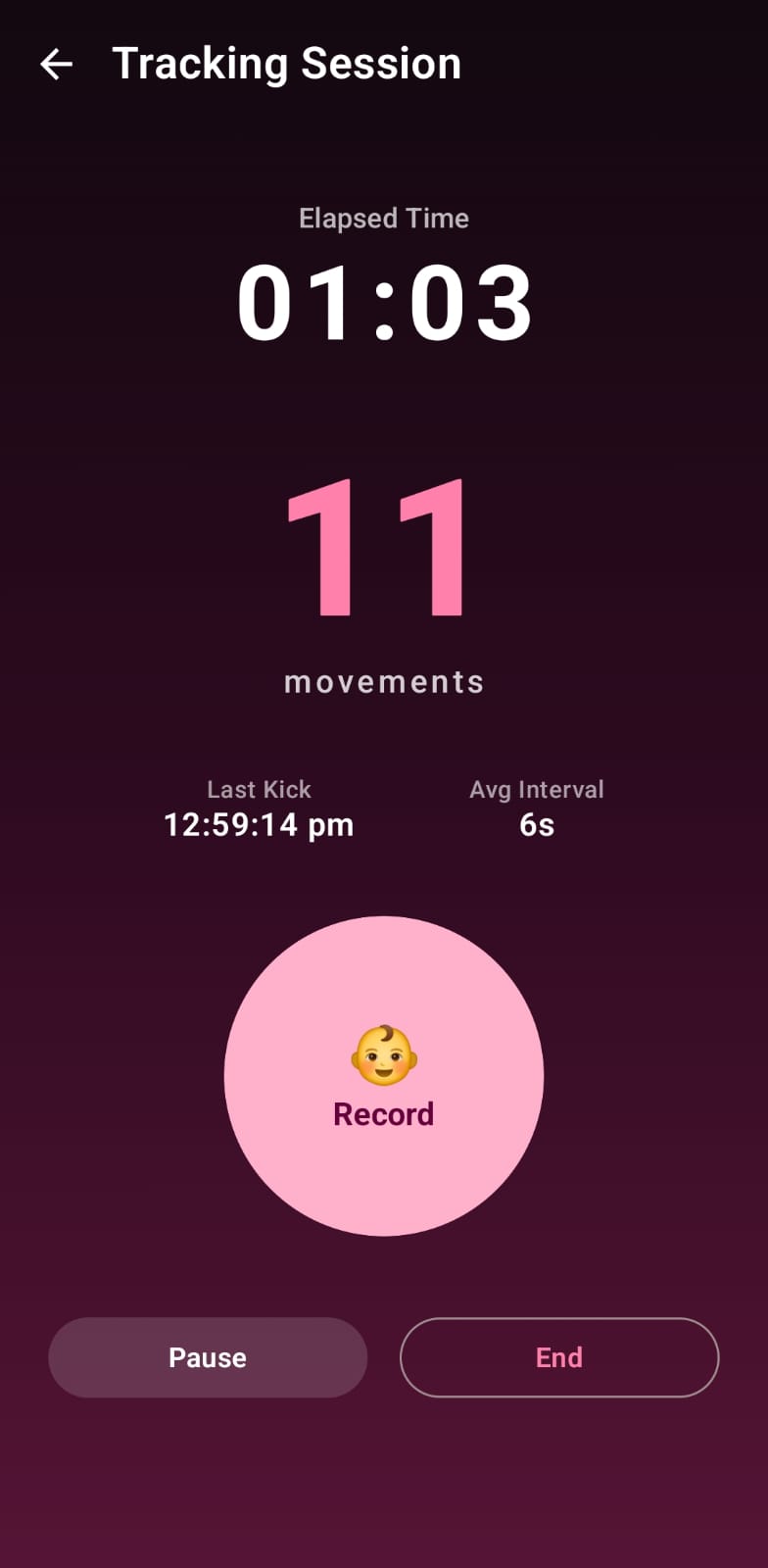
Tap once when you feel a movement. The built-in timer starts automatically.
Keep tapping for every kick, roll, or flutter during the session.
Add notes, then save the session to your movement history.
Open statistics and your journal to follow progress week by week.
Practical, evidence-based guides to help you understand your baby's movements — from the first flutter to the third trimester.
Why your baby's own pattern matters more than a number, plus what healthy fetal movement looks like.
Read the guide →When to worry, when to call your provider or maternity unit, and why home tricks are not reliable.
Read the guide →When you'll first feel baby move (quickening) and what those early flutters feel like.
Read the guide →Why many providers suggest kick counting from the third trimester, and how to do it.
Read the guide →How movement patterns change in the third trimester — and the myth that babies move less near the end.
Read the guide →Your pregnancy data is stored locally on your device by default. Optional Google Drive backup is available for Premium users. We never sell your personal information.
Many moms begin regular kick counting around week 28, but you can start whenever you reliably feel movement. Always follow your provider's guidance.
Every baby is different. The goal is to learn your baby's usual pattern rather than hitting a fixed number. Tracking with the app helps you spot what is normal for you.
No subscription required. Premium is a one-time purchase that unlocks an ad-free experience, PDF reports, Google Drive backup, advanced statistics, a pregnancy photo journal, multiple reminders, and all future premium features—pay once and enjoy Premium forever.
No. The app is a tracking tool only and is not a medical device. If you notice reduced or unusual movement, contact your healthcare provider right away.
Download Baby Kicks Pregnancy Tracker on Android and turn movement tracking into a simple, calming daily habit.
Download on Google Play Baby Kicks Pregnancy Tracker