 Baby Kicks Pregnancy Tracker
How to Count Baby Kicks During Pregnancy
Counting baby kicks is easier than it sounds. This guide walks you through a simple routine you can follow with the Baby Kicks Pregnancy Tracker app.
Step 1: Pick a Calm Time
Choose a moment when your baby is usually active, such as after a meal or a gentle walk. Sit or lie comfortably and note the time.
Step 2: Start the Session
Open the app and tap start. The timer begins automatically so you do not need to watch the clock.
Step 3: Tap for Each Movement
Each time you feel a kick, roll, or flutter, tap the counter. The app records the count and elapsed time.
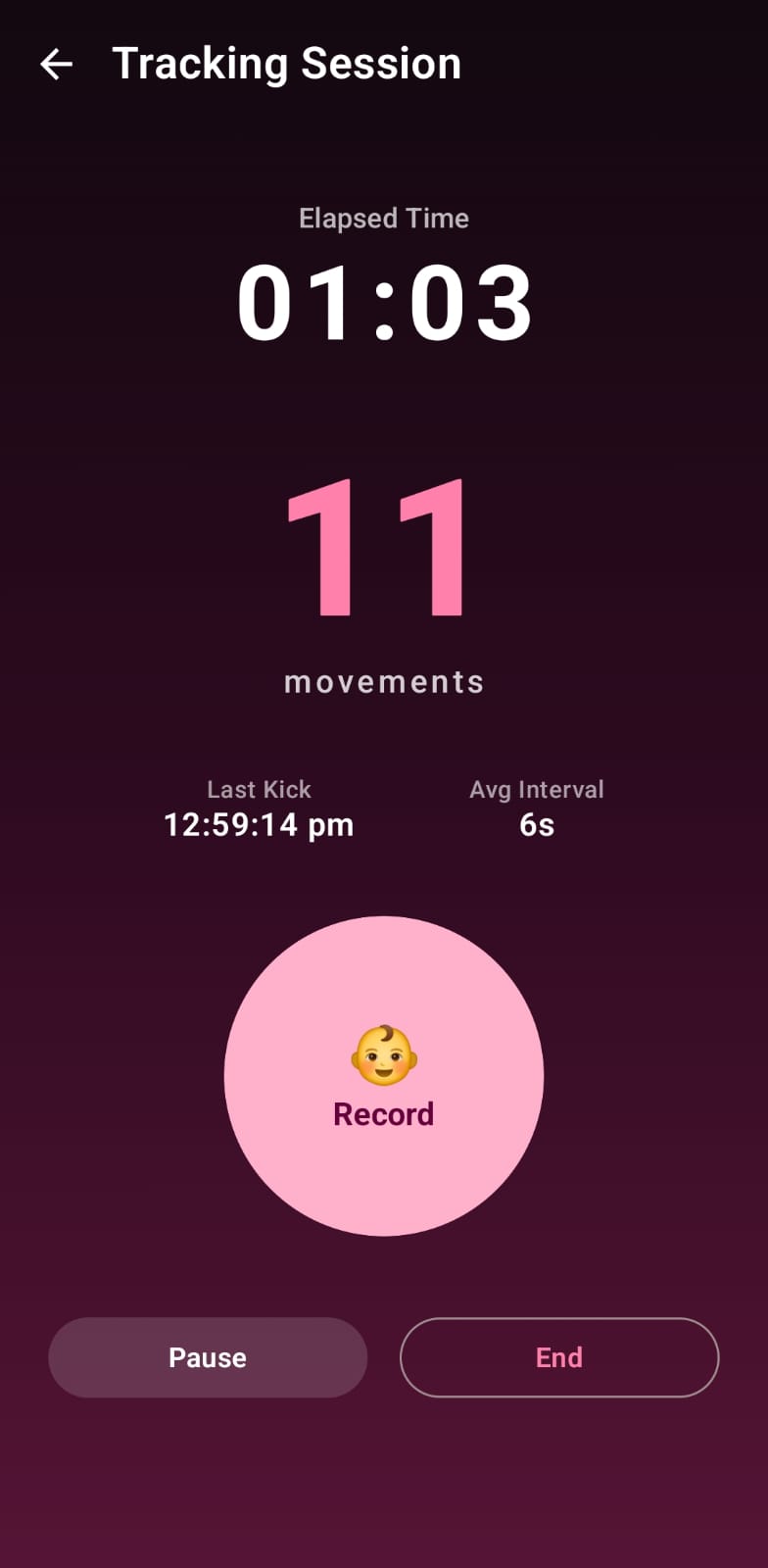
Step 4: Stop and Save
When your session feels complete, stop it. The record is saved to your movement history so you can compare days.
Step 5: Review Trends
Use the statistics view to see how your baby's activity changes week by week. This builds your sense of what is normal for your baby.
FAQ
How long should a session be?
There is no fixed rule. Many moms count until they reach a comfortable number of movements. Follow your provider's advice.
What if my baby is quiet?
Babies rest too. If movement stays low, contact your healthcare provider.
Premium Features
Unlock Premium with a one-time purchase—no subscription. Enjoy an ad-free experience, professional PDF reports, Google Drive backup & restore, advanced statistics and insights, a pregnancy photo journal, multiple daily reminders, and all future premium features. Pay once and enjoy Premium forever.
Privacy First
Your pregnancy data is stored locally on your device by default. Optional Google Drive backup is available for Premium users, and we never sell your personal information.